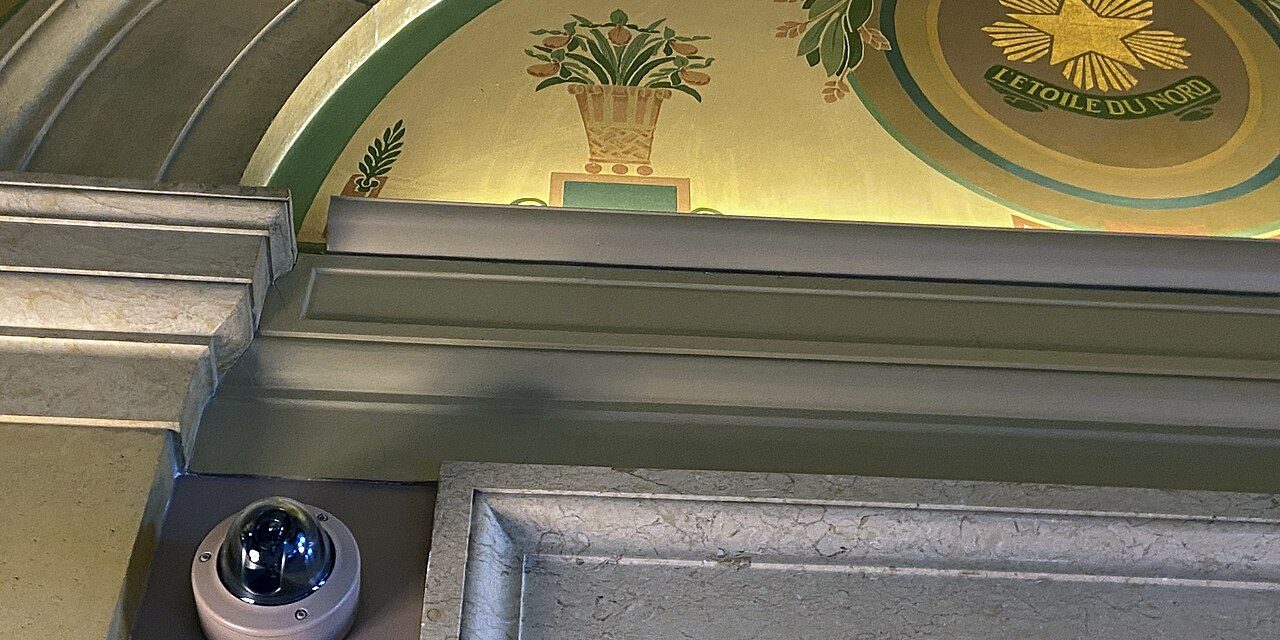
Back in 2018 we wrote about four things to consider before placing surveillance cameras: placement, height, knowing what the camera can do, and lighting. Those principles have not changed. What has changed is the sheer number of choices — wired and wireless, local and cloud, 2K and 4K, with and without “AI” detection.
This guide helps you cut through the options and build a system that actually protects your home without creating new security or privacy problems.
Key takeaways
- Wired PoE cameras are the most reliable; battery cameras are the easiest to install.
- Lens and placement matter more than megapixels for recognizing faces and plates.
- Local storage keeps footage in your hands; cloud storage protects it if the recorder is stolen. Many homes benefit from both.
- Change default passwords, enable two-factor authentication and keep firmware updated.
Step 1: Decide what you need to see
Write a short list of goals. “See who is at the front door”, “watch the driveway”, “know if someone enters the garage” and “protect the collection room” each need different cameras and positions. Start with entry points — front door, back door, garage, ground-floor windows out of sight from the street — then add approaches such as driveways and side gates.
Step 2: Choose a connection type
| Type | Pros | Cons | Best for |
|---|---|---|---|
| Wired PoE | One cable for power and data; very reliable; continuous recording | Requires running cable | Permanent home and small-business systems |
| Wi-Fi (plug-in power) | No data cable; easy upgrade | Needs strong Wi-Fi and a nearby outlet | Indoor cameras, porches near outlets |
| Battery / solar | Install anywhere in minutes | Records clips rather than continuous video; batteries need charging | Renters, remote spots, temporary monitoring |
| Cellular | Works without internet at the site | Data plan cost; limited bandwidth | Construction sites, cabins, gates |
Step 3: Resolution, lens and field of view
A 4K camera with a very wide lens can show less detail of a face at the door than a 2K camera with a narrower lens. Think in terms of pixels on target: to identify a person you need many more pixels on their face than to simply detect movement. Practical rules of thumb:
- Wide lenses (110°+) for overviews of yards and rooms.
- Narrower or varifocal lenses for doors, gates and driveways where you need identification.
- Doorbell cameras with a tall (vertical) field of view also show packages at your feet.
Step 4: Night vision and lighting
Most incidents happen at night, so lighting is not optional. Options include:
- Infrared (IR): invisible light, black-and-white images; can reflect off nearby walls or glass.
- Color night vision: sensitive sensors or small white LEDs produce color images in low light.
- Motion-activated floodlights: deter intruders and give cameras light to work with.
Never mount an IR camera behind a window — the IR reflects back into the lens.
Step 5: Where to store footage
| Storage | How it works | Watch out for |
|---|---|---|
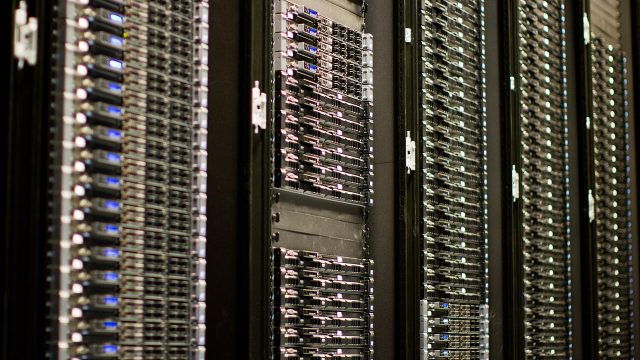
| NVR (network video recorder) | Cameras record to hard drives in your home | Hide the NVR — if a burglar takes it, footage goes too |
| microSD in camera | Each camera records locally | Cards can be removed or fail; limited capacity |
| Cloud | Clips or continuous video uploaded to a provider | Monthly fees; upload bandwidth; provider’s privacy practices |
| Hybrid | Local recording plus cloud backup of events | Slightly more setup, but the best of both |
Estimate storage needs from bitrate. As a rough guide, a 4MP camera using H.265 at a moderate bitrate can use on the order of 20–40 GB per day of continuous recording, so a four-camera system with 30 days of retention needs several terabytes.
Step 6: Smart detection
Person, vehicle, package and animal detection dramatically reduce false alerts from trees and headlights. Check whether detection runs on the camera or NVR (works without cloud) or only in the provider’s cloud (requires subscription and upload).
Step 7: Cybersecurity basics
An internet-connected camera is a computer pointed at your home. Treat it like one:
- Change default passwords immediately and use a unique, long password.
- Enable two-factor authentication on the app or cloud account.
- Update camera and NVR firmware regularly; replace devices that no longer receive updates.
- Disable features you do not use, such as UPnP and port forwarding; use the vendor’s secure remote access instead.
- Place cameras on a separate network or VLAN if your router supports it.
Step 8: Privacy and the law
Laws vary by state and country, but some principles are widely shared:
- Do not record areas where people have a reasonable expectation of privacy, such as bathrooms or a neighbor’s windows. Use privacy masks to black out parts of the image.
- Audio is treated differently from video. Several U.S. states, including California, require all parties’ consent to record conversations. Consider disabling audio recording on outdoor cameras.
- Tell household members, guests, nannies and other workers that cameras are in use; in some places this is a legal requirement.
- Store footage securely and delete it on a schedule unless it is needed as evidence.
When in doubt, check your local rules or ask a lawyer — this article is general information, not legal advice (see our disclaimer).
Cameras are one layer
Cameras record what happened; alarms and sensors respond while it is happening. For valuables — the subject of our very first article on protecting comic book collections — combine cameras with door and window sensors, a motion detector in the collection room and, if appropriate, professional monitoring.
Frequently asked questions
How many cameras does a typical home need?
Most homes are well covered with three to six: front door, back door, driveway, side gate and one or two key interior areas.
Do fake cameras work?
They may deter casual opportunists, but experienced intruders often recognize them, and they record nothing. A real entry-level camera is usually a better investment.
Will cameras slow down my internet?
Local recording uses your home network but not your internet. Cloud recording and remote viewing use upload bandwidth; plan accordingly.
Want it installed properly?
We plan placement, run concealed cable, configure privacy masks and secure remote viewing for you.